yourproduct.com
Reading your product...
1. Add your product URL
Slizo analyzes your app, audience, benefits, and visual style straight from your website.
Paste your product URL. Slizo creates TikTok slideshows and posts them automatically to promote your app
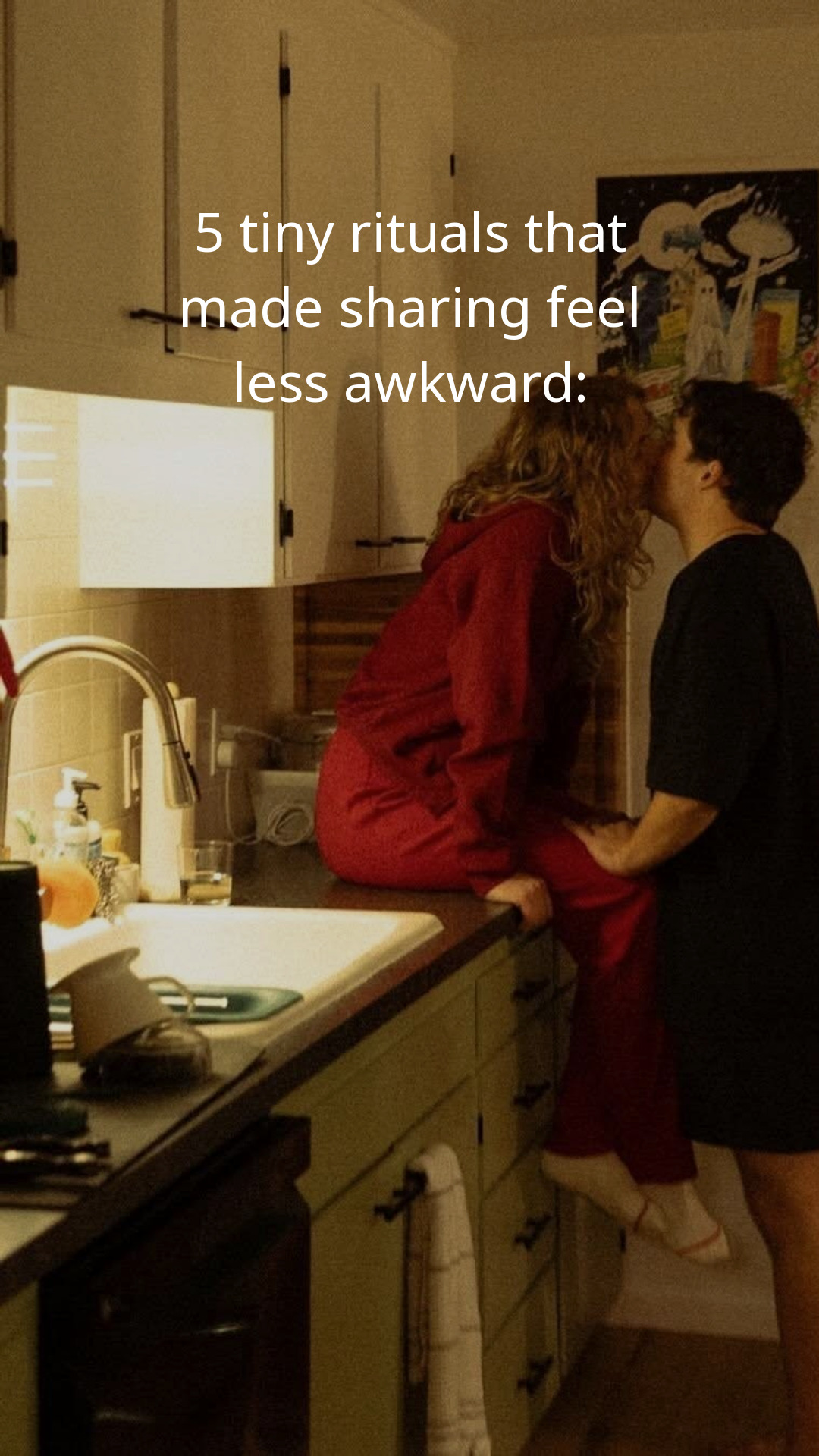
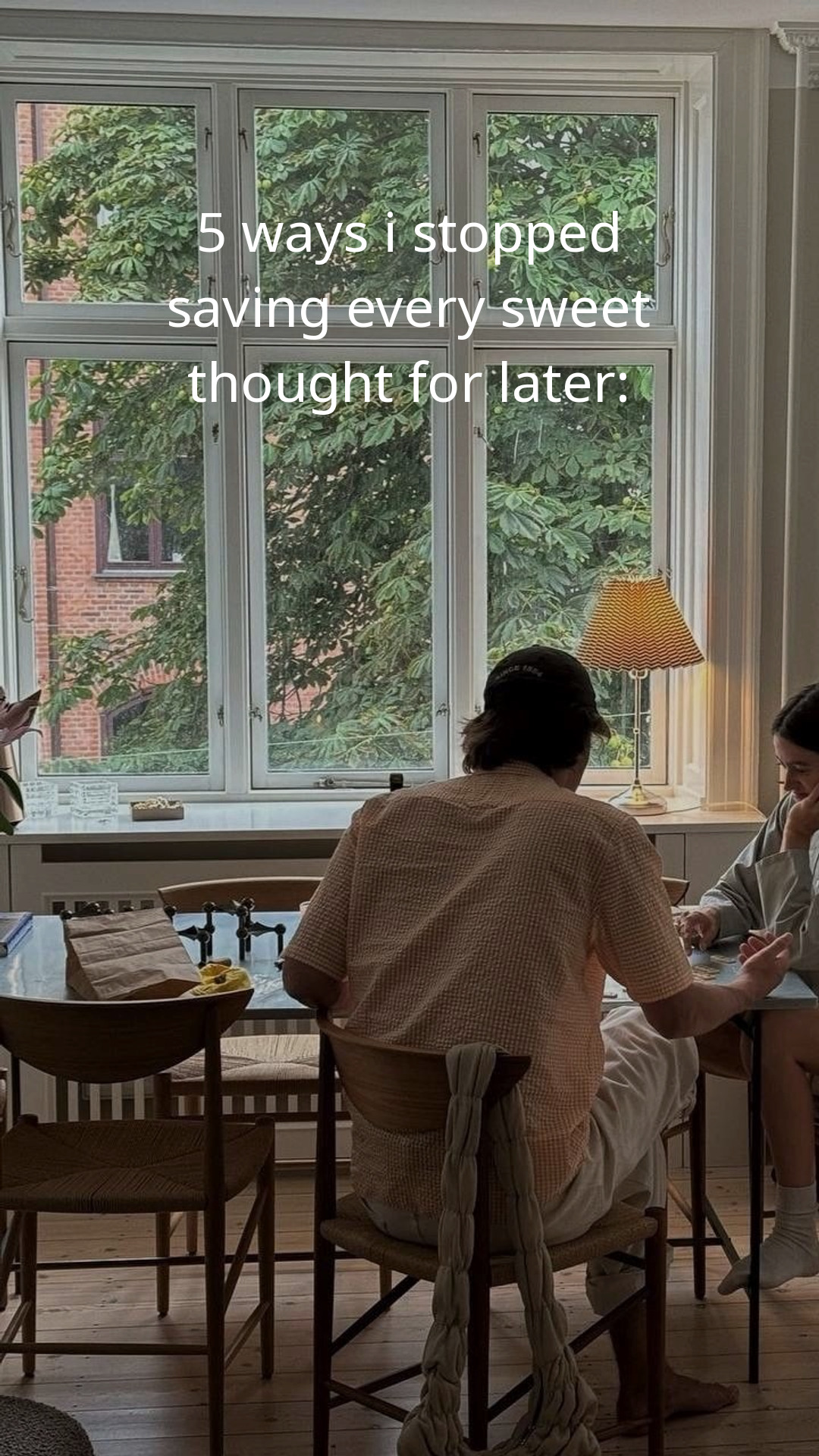
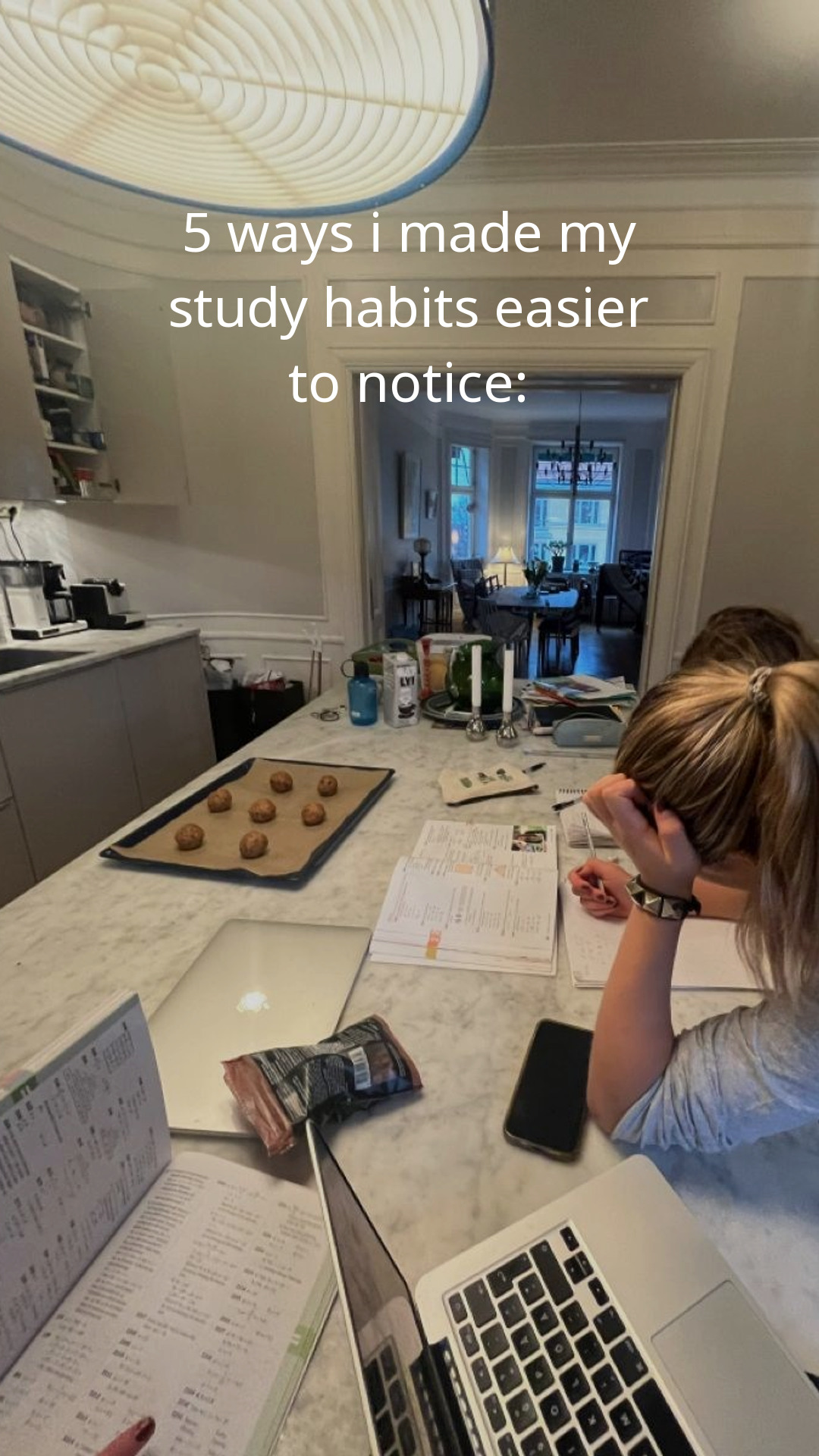


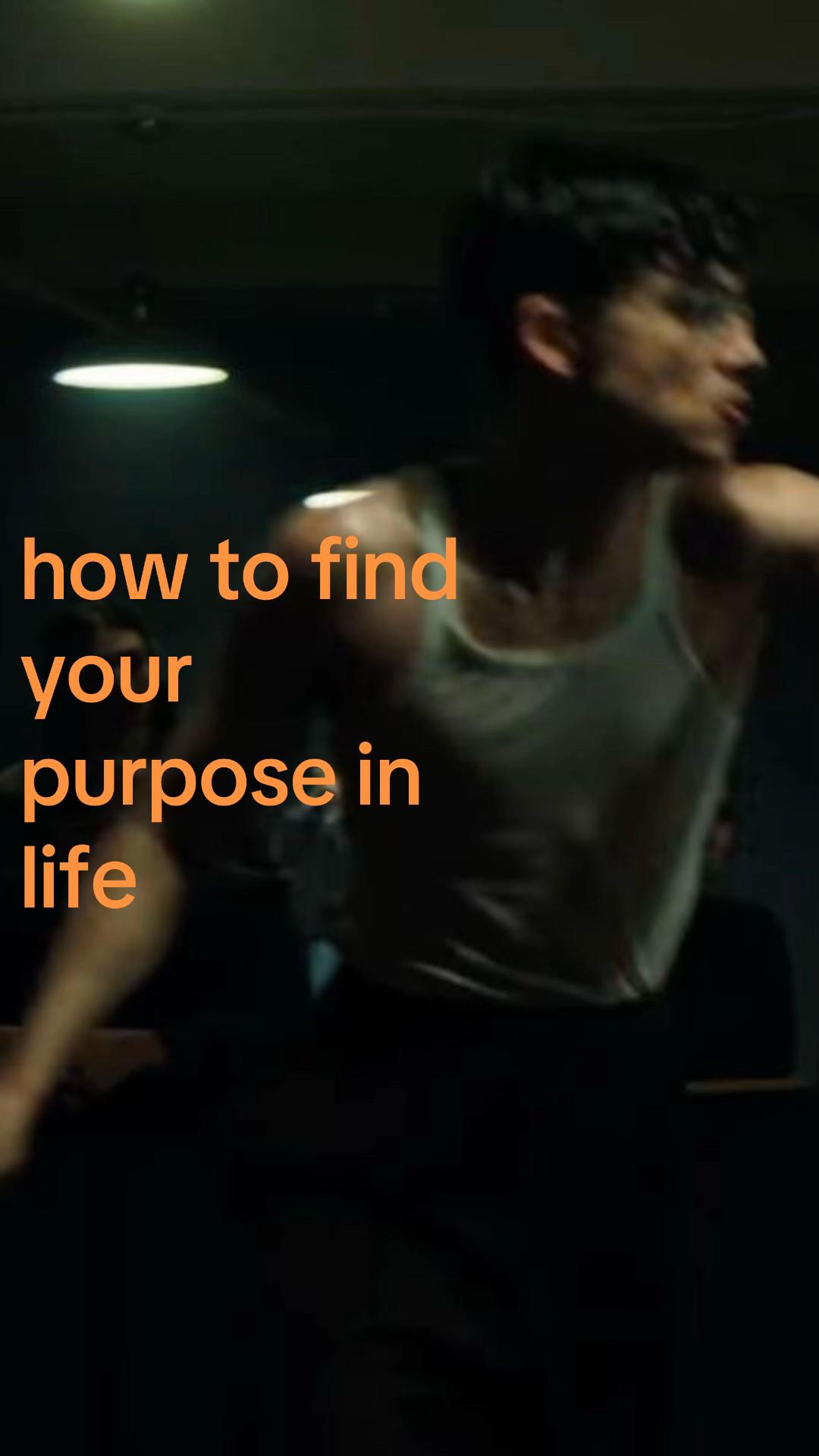
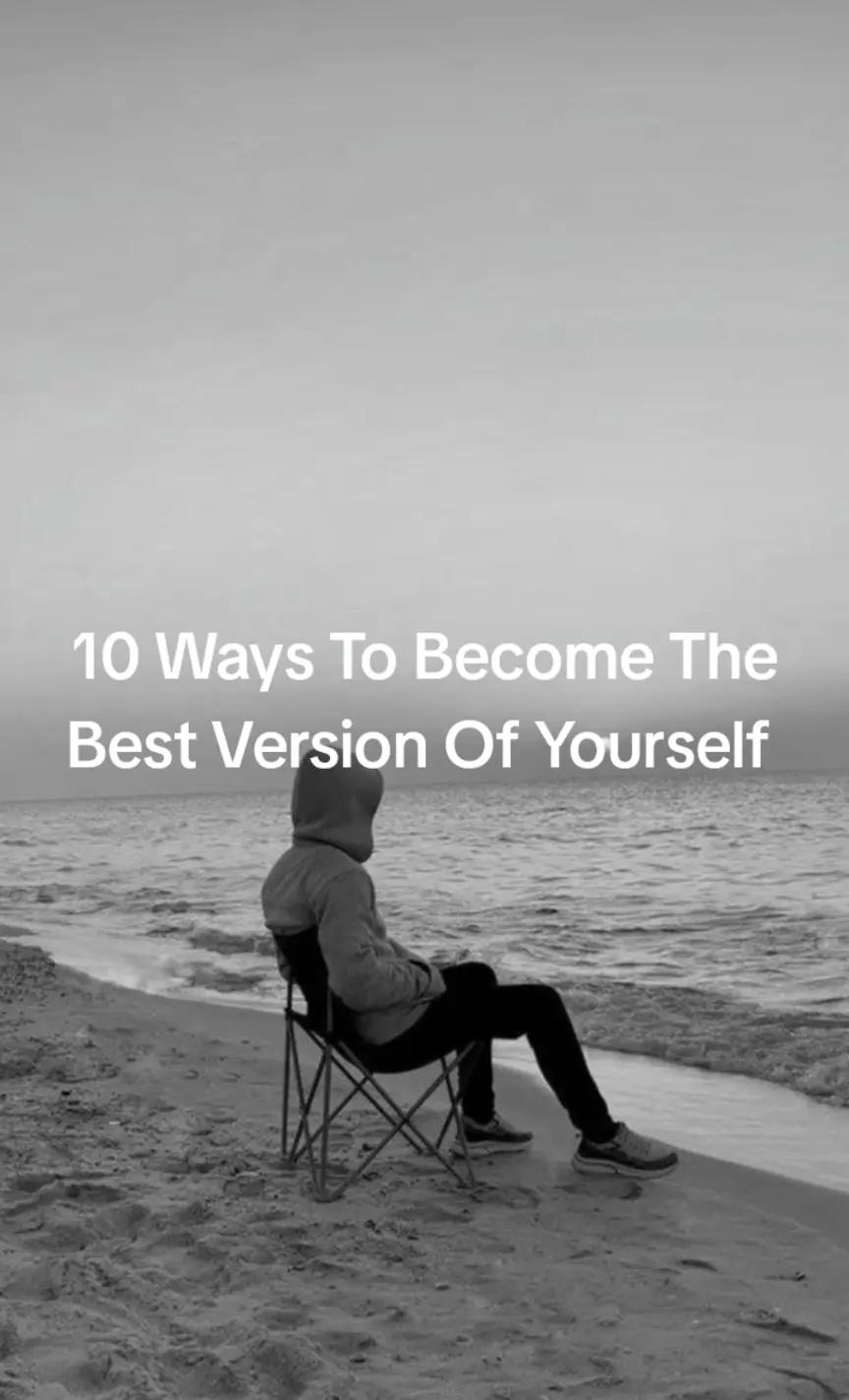

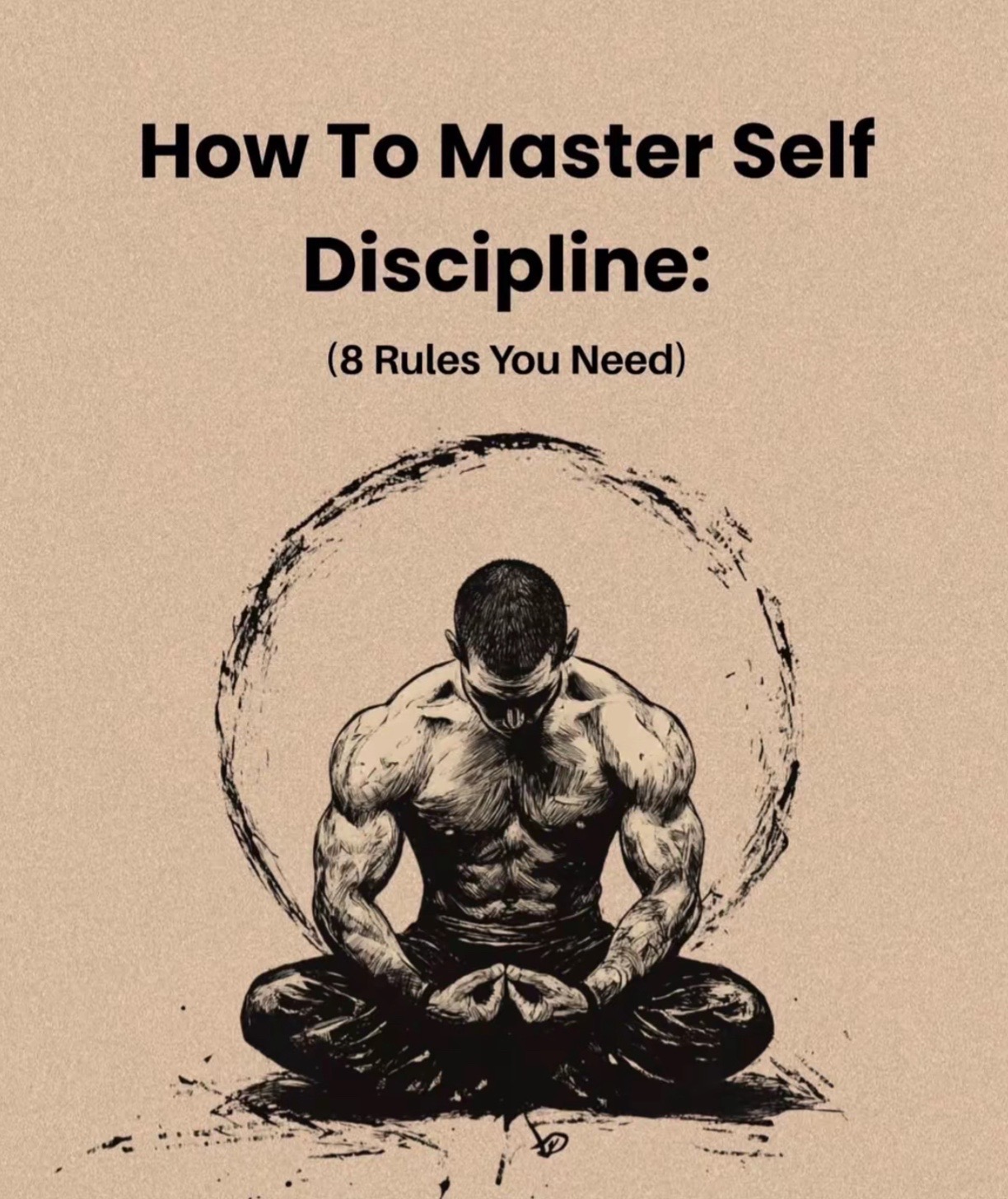


Slizo analyzes your app, audience, benefits, and visual style straight from your website.
Preparing your first slideshow…
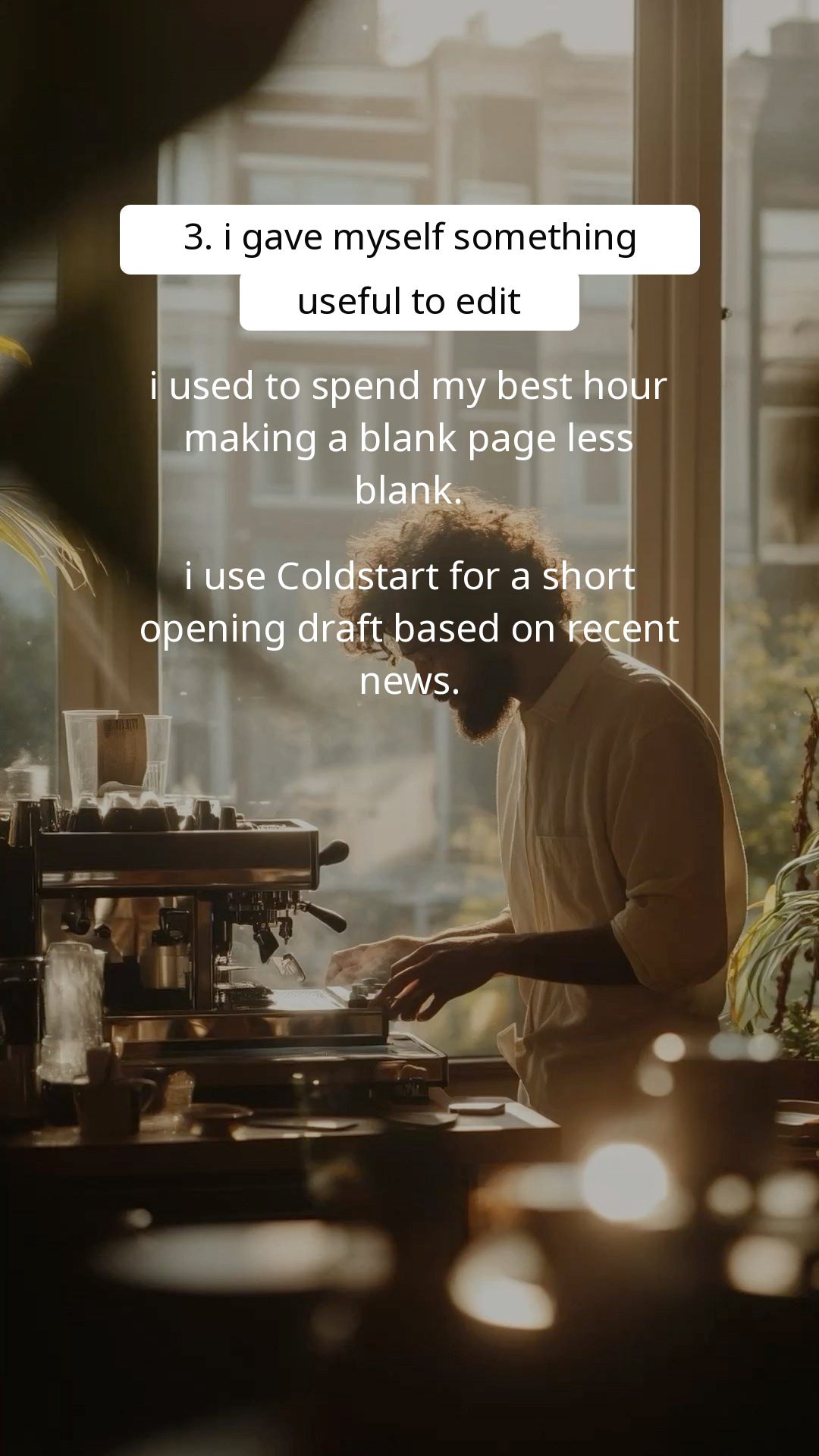
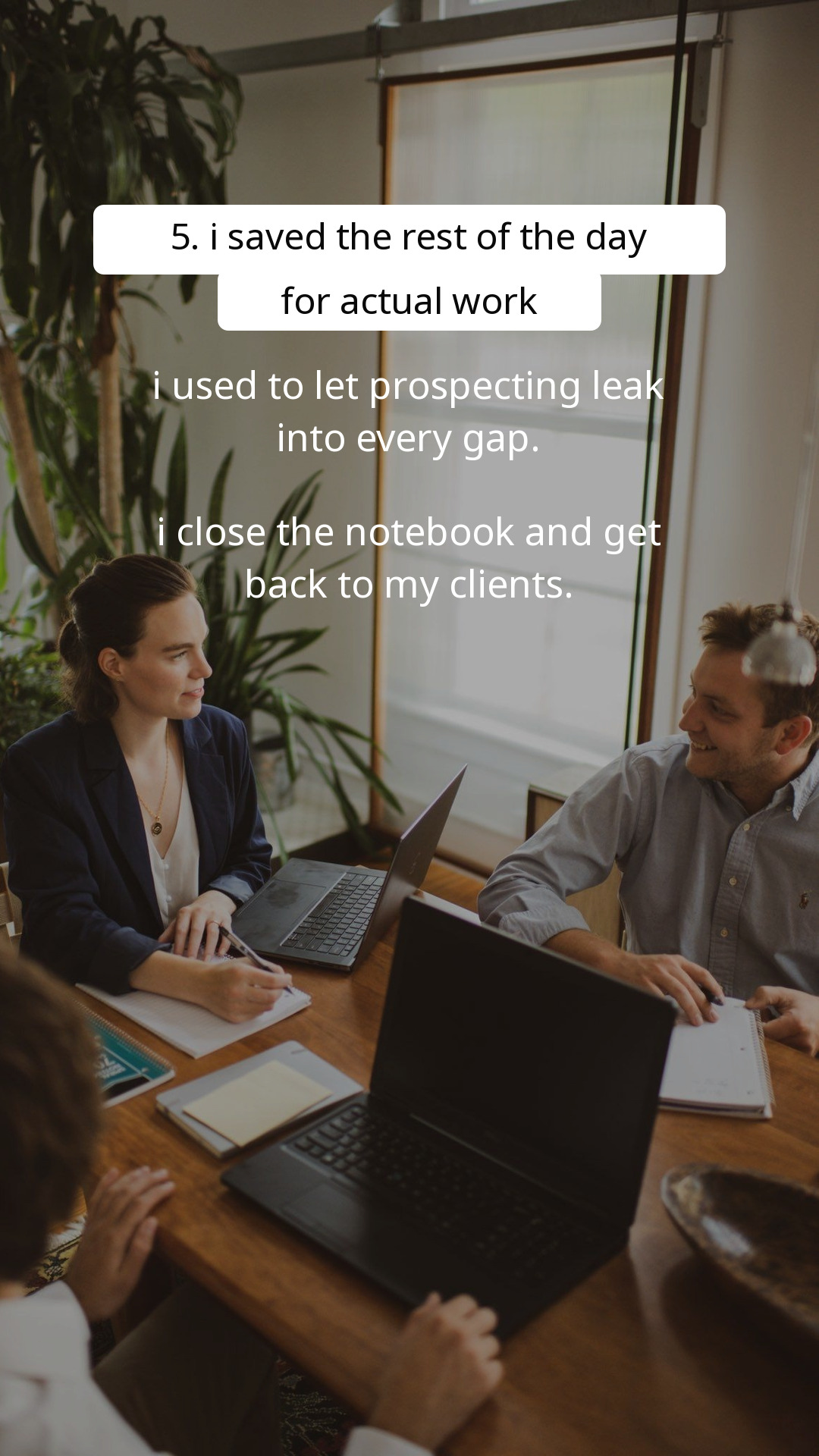
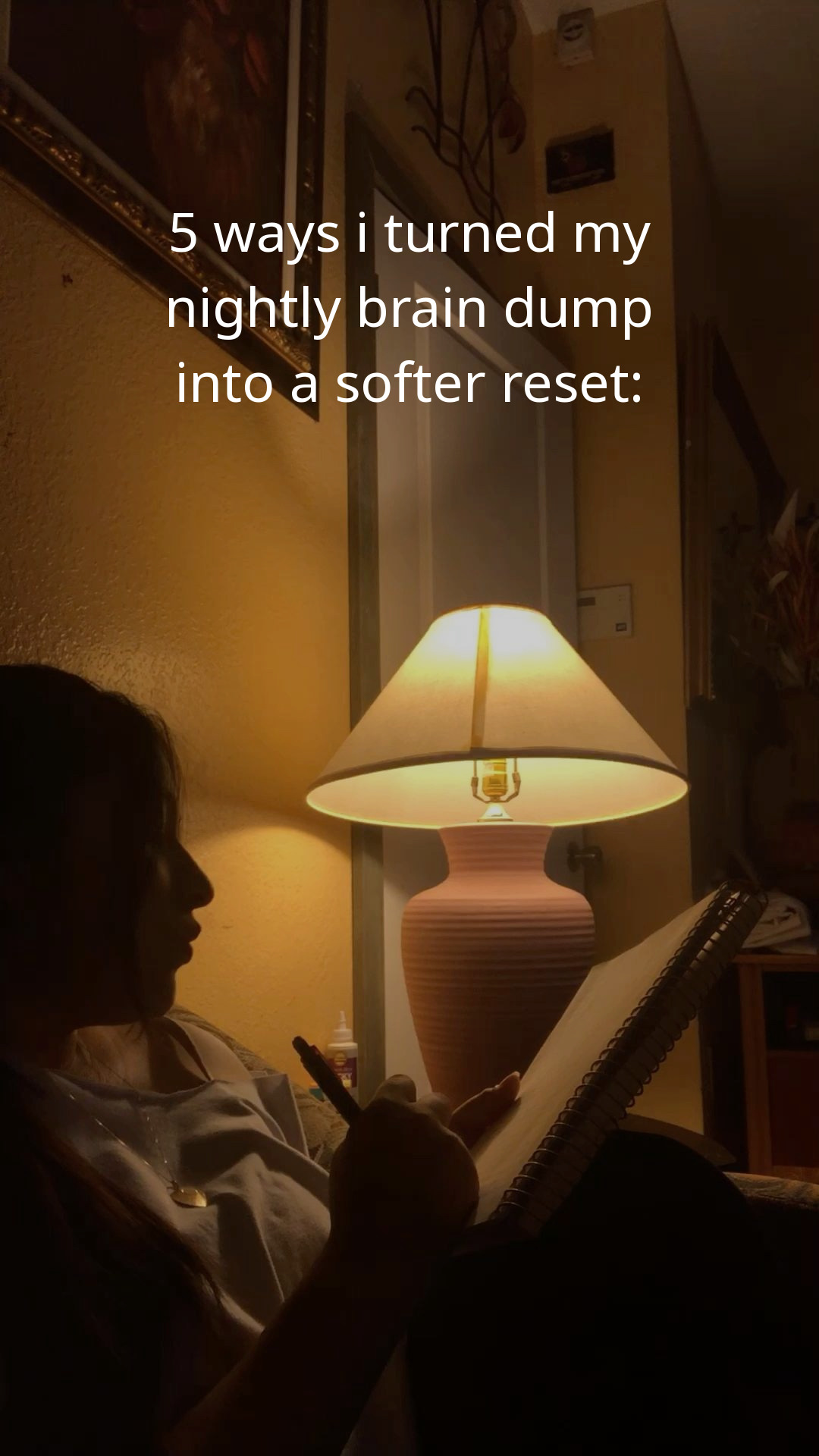
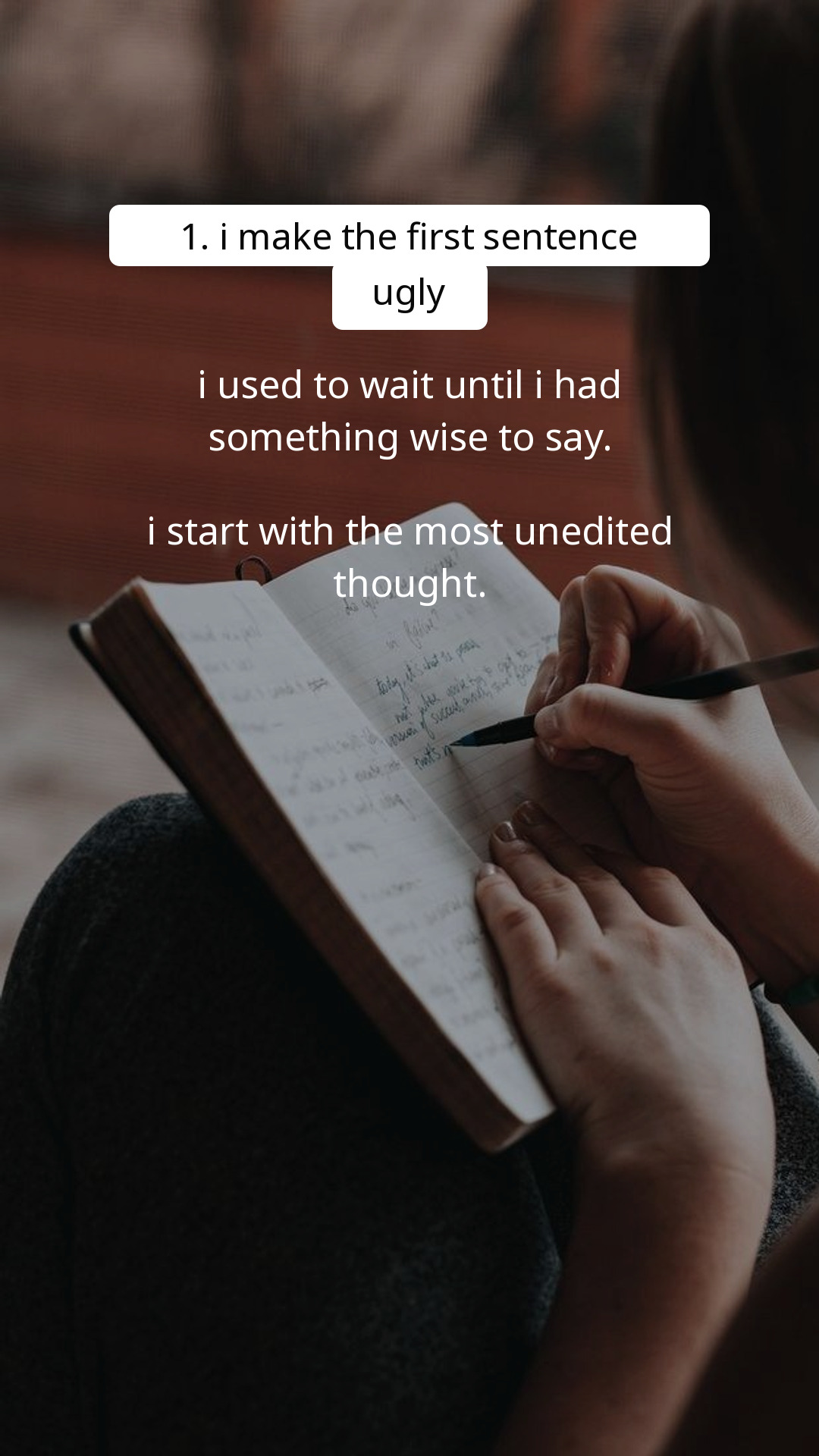
Get TikTok-native slideshow drafts with fresh hooks, visuals, captions, and hashtags.
Connect TikTok, choose a schedule, and let Slizo keep publishing fresh posts that put your app in front of potential users.
Founder feedback
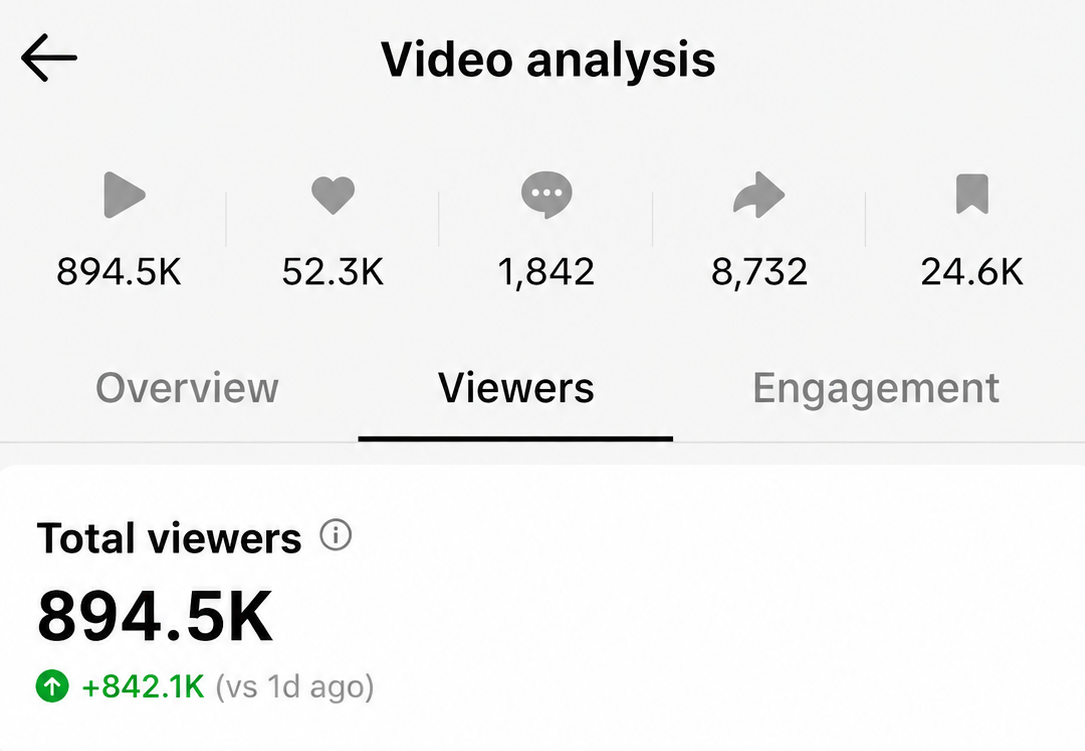
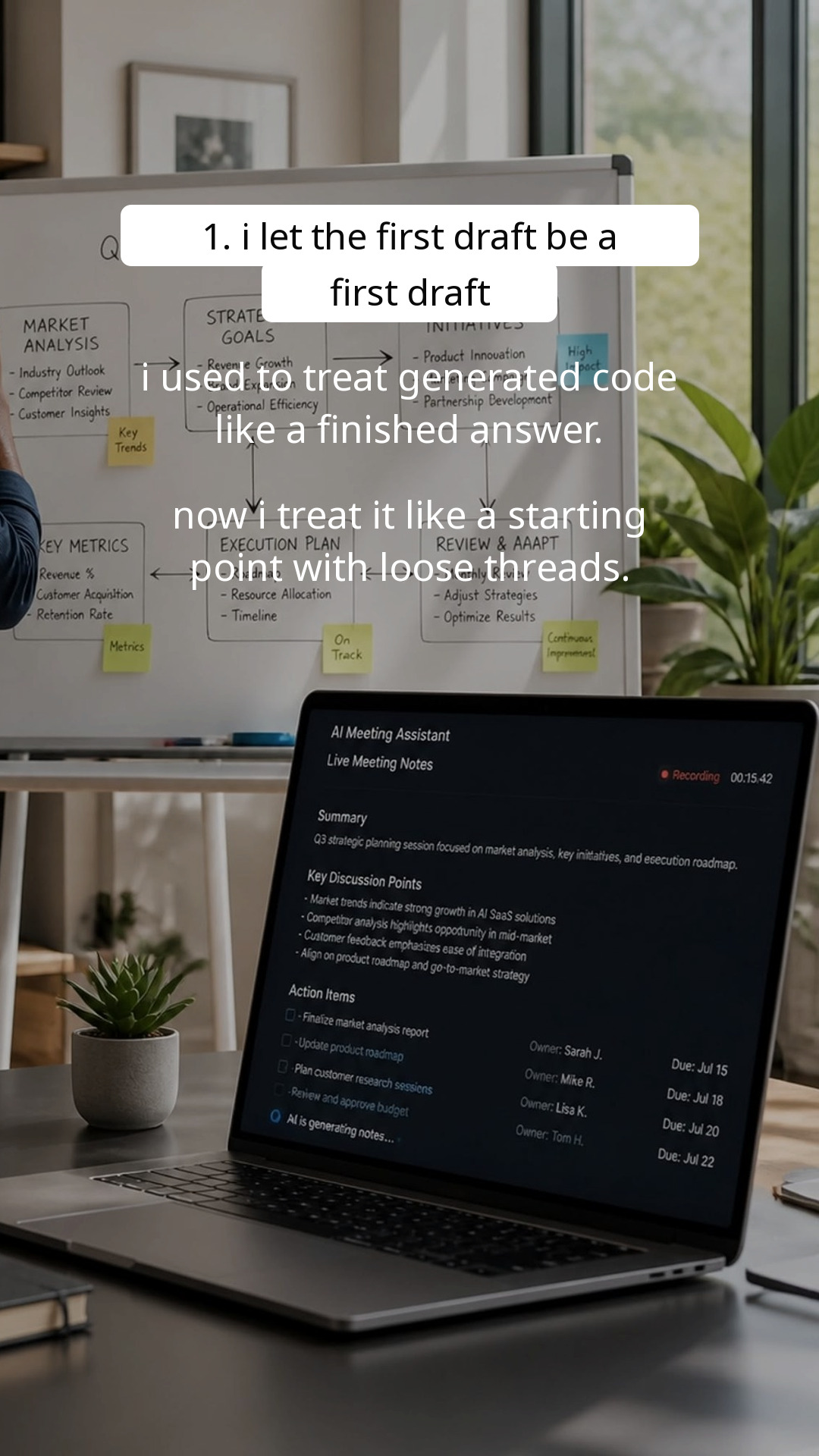
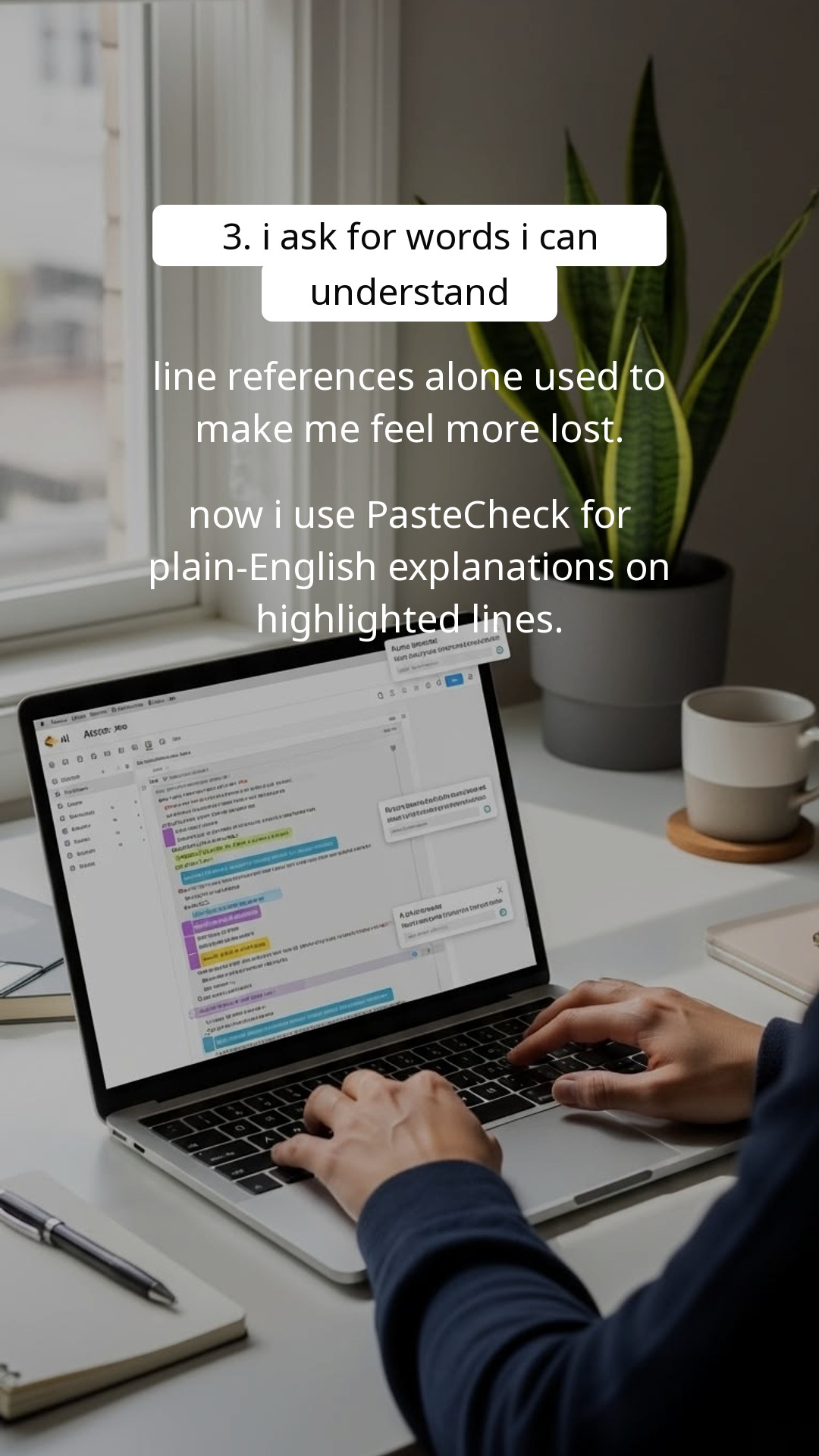
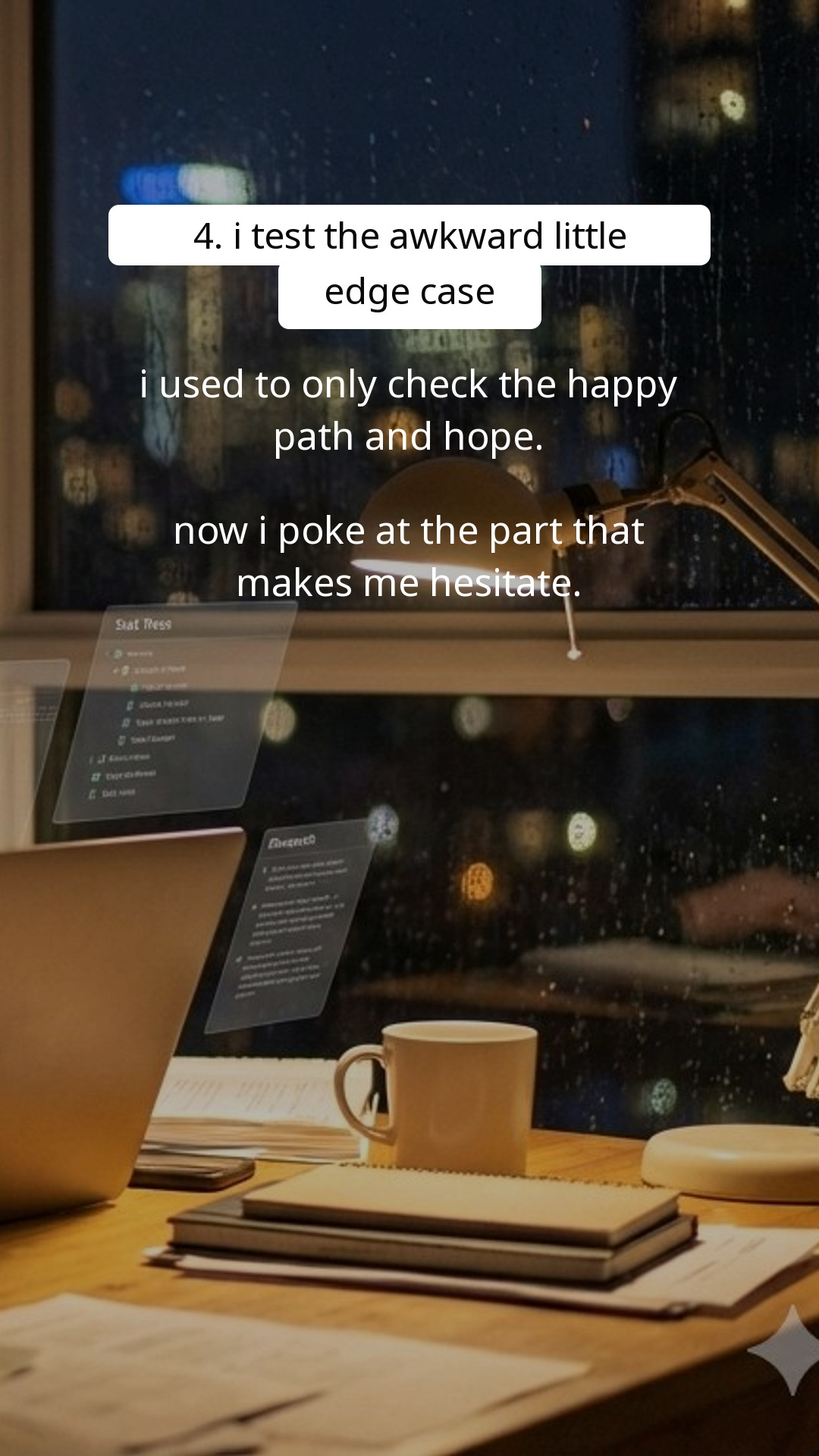
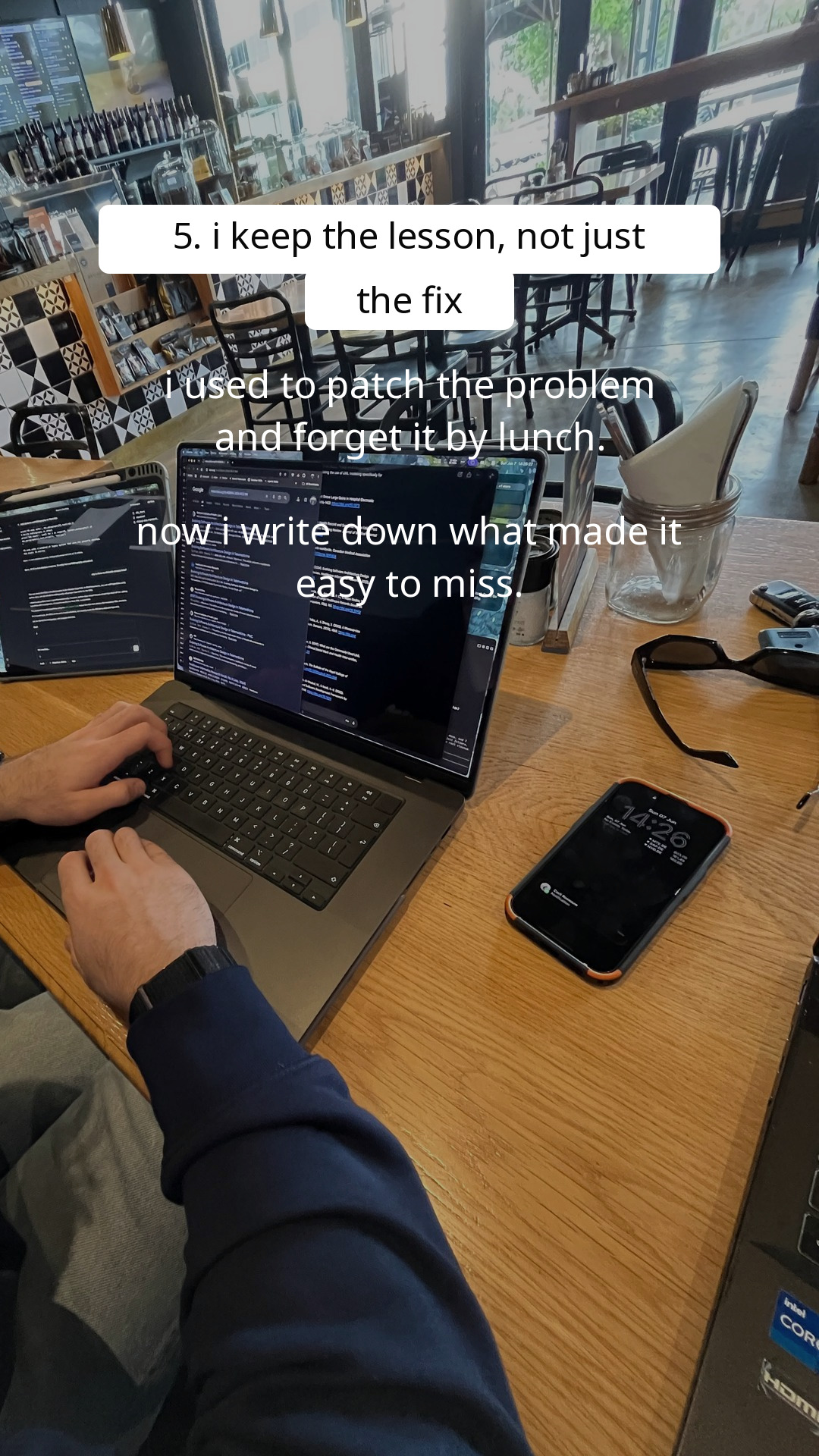
I automated two accounts and honestly forgot about it. A month later, one slideshow had passed 900K views and it had brought in a lot of conversions.
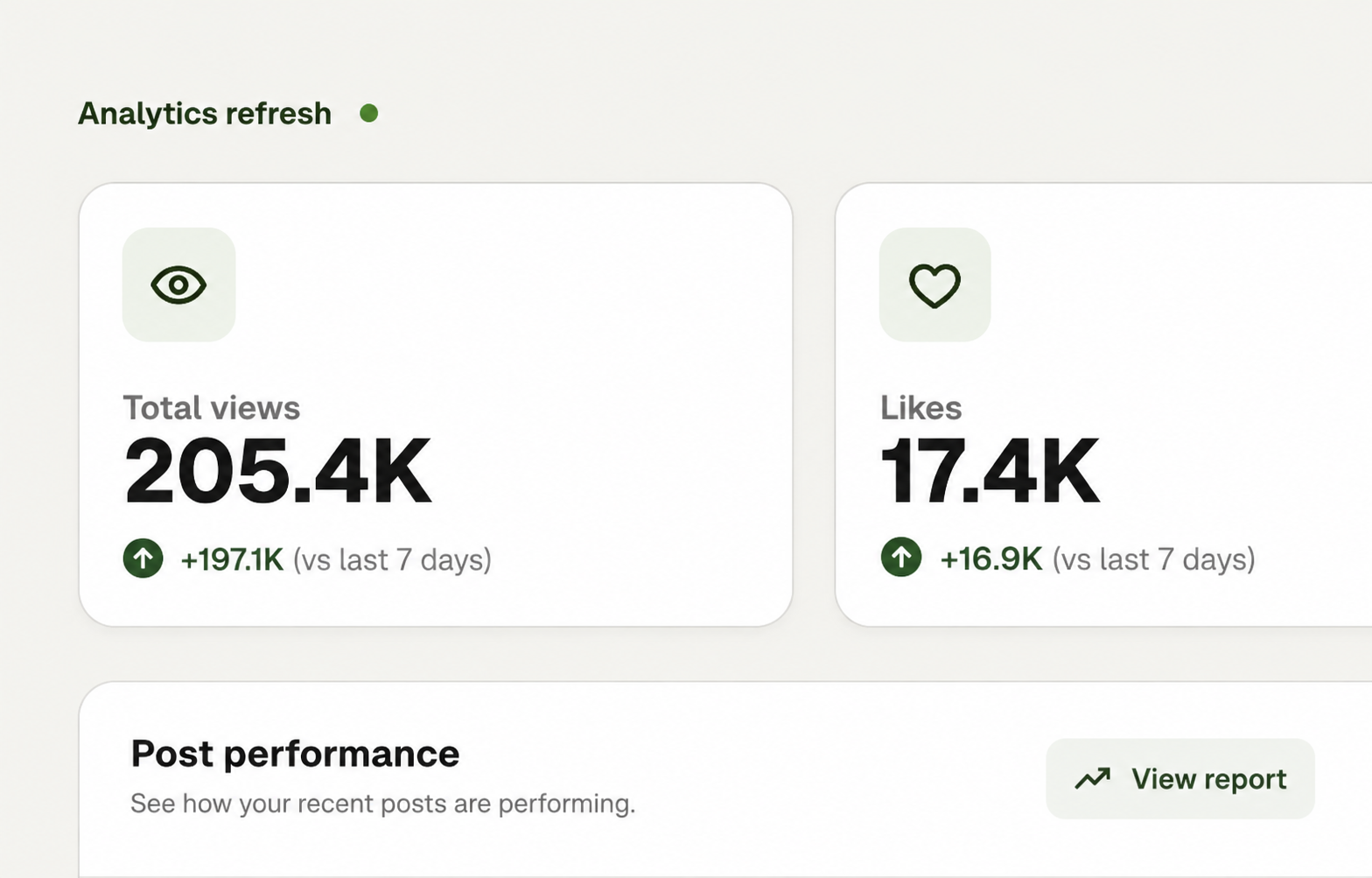
Creating slideshows for my app used to take me hours per post. Now I paste our link, approve the style, and let the automation keep our TikTok account active.
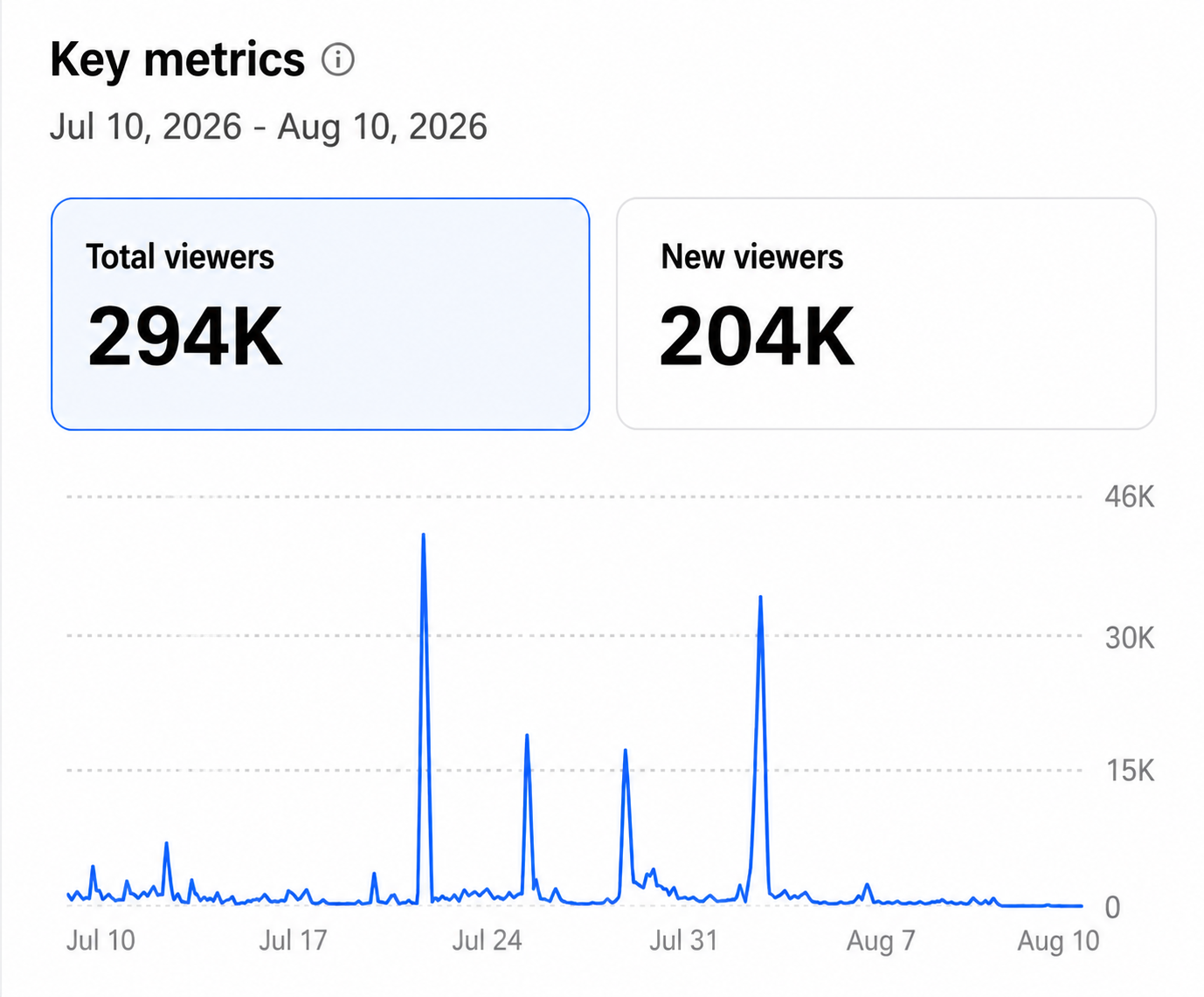
Slizo helped me reach $600 MRR in my first month. It kept promoting my app with fresh slideshows while I stayed focused on building the product.
Every day you wait, someone in your niche is collecting the views your brand should already own.





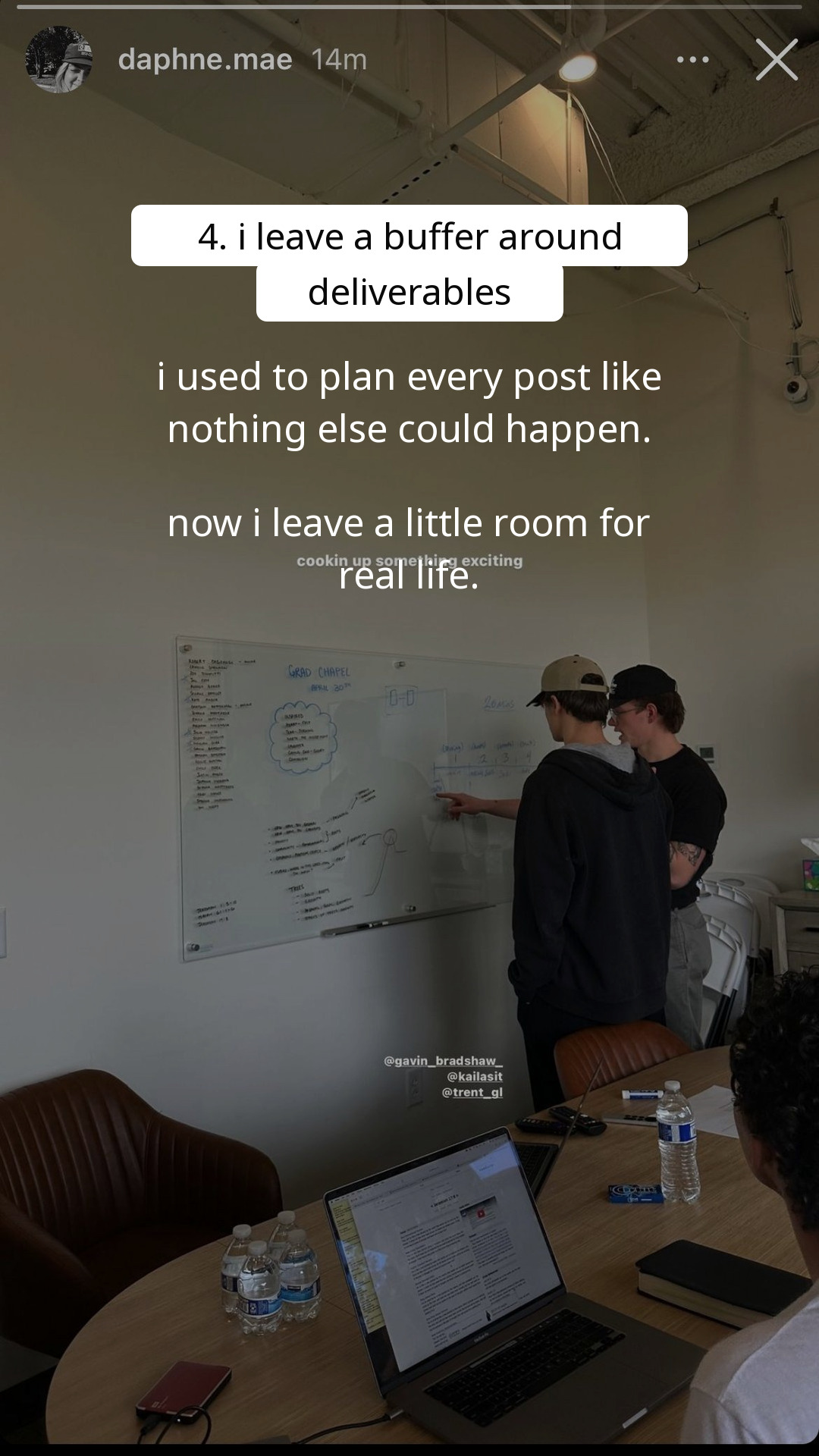
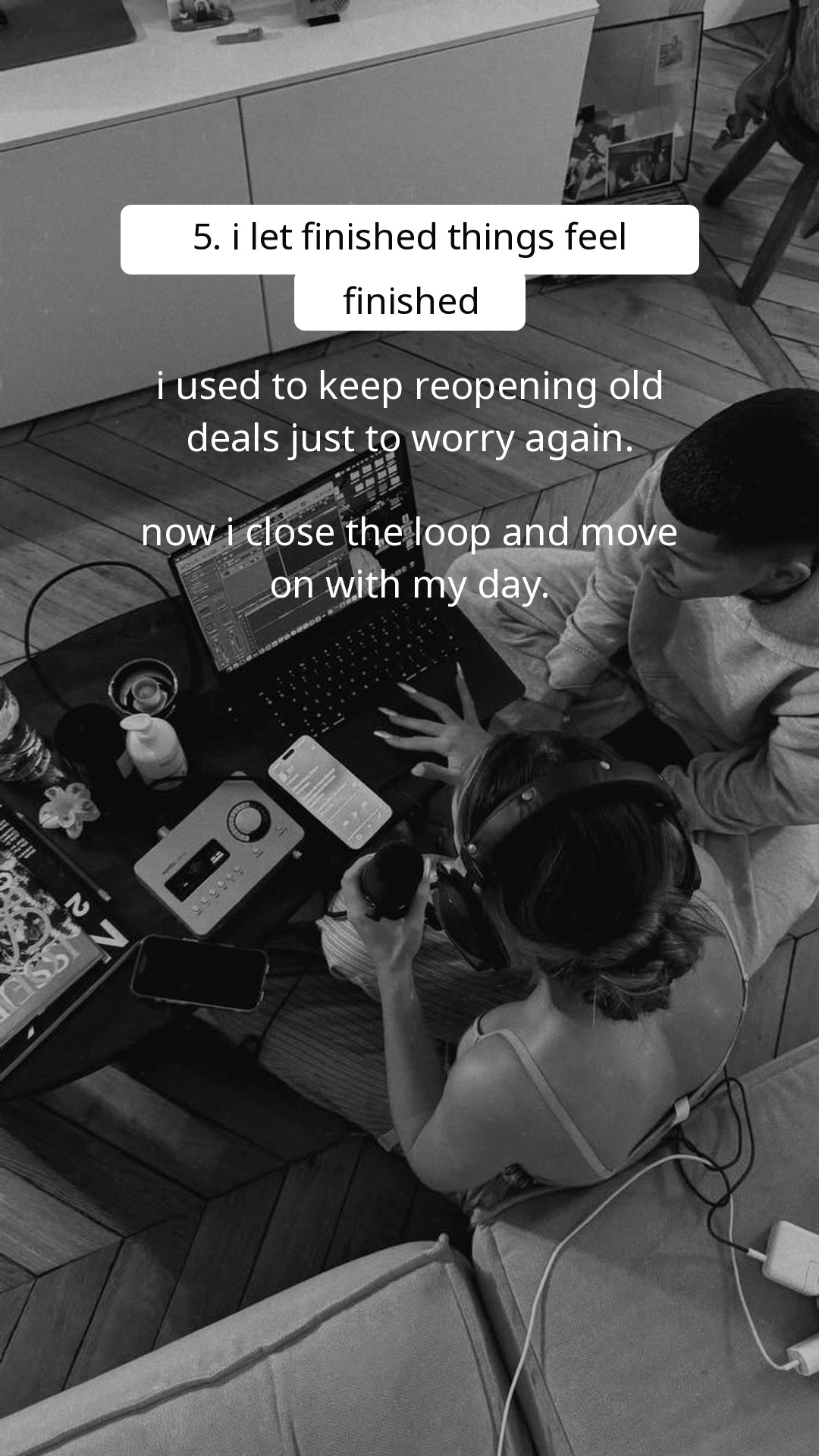
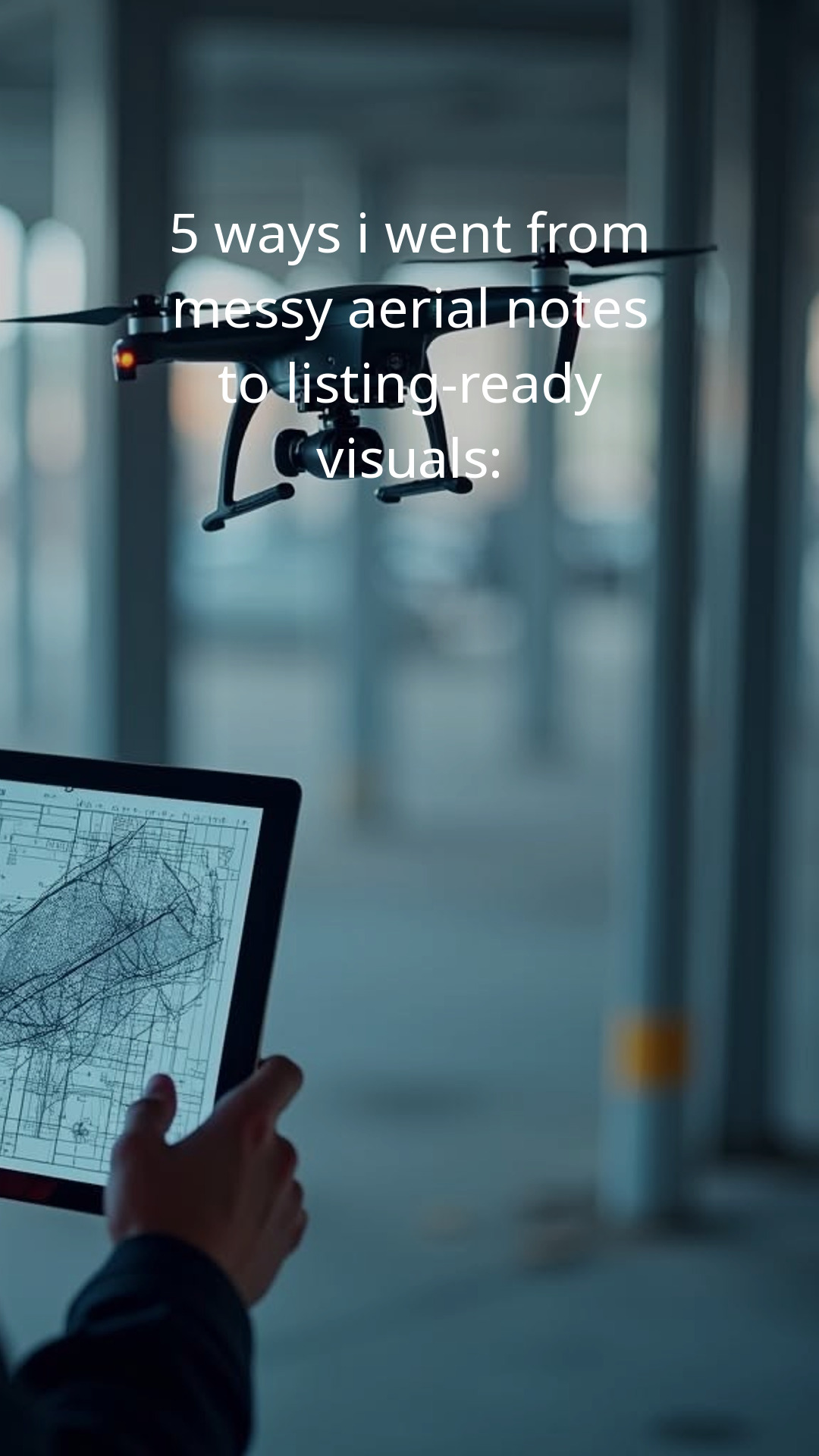
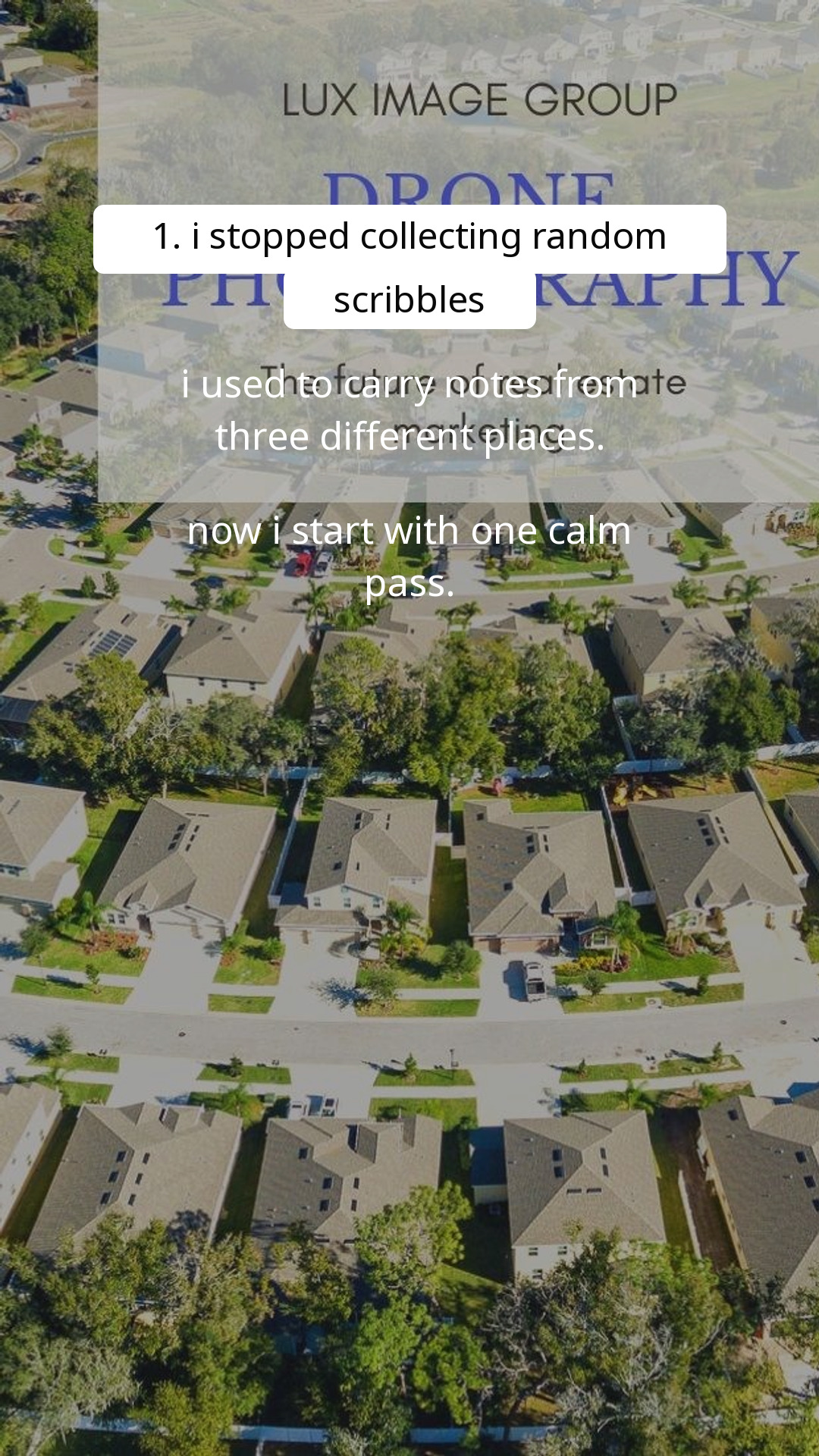
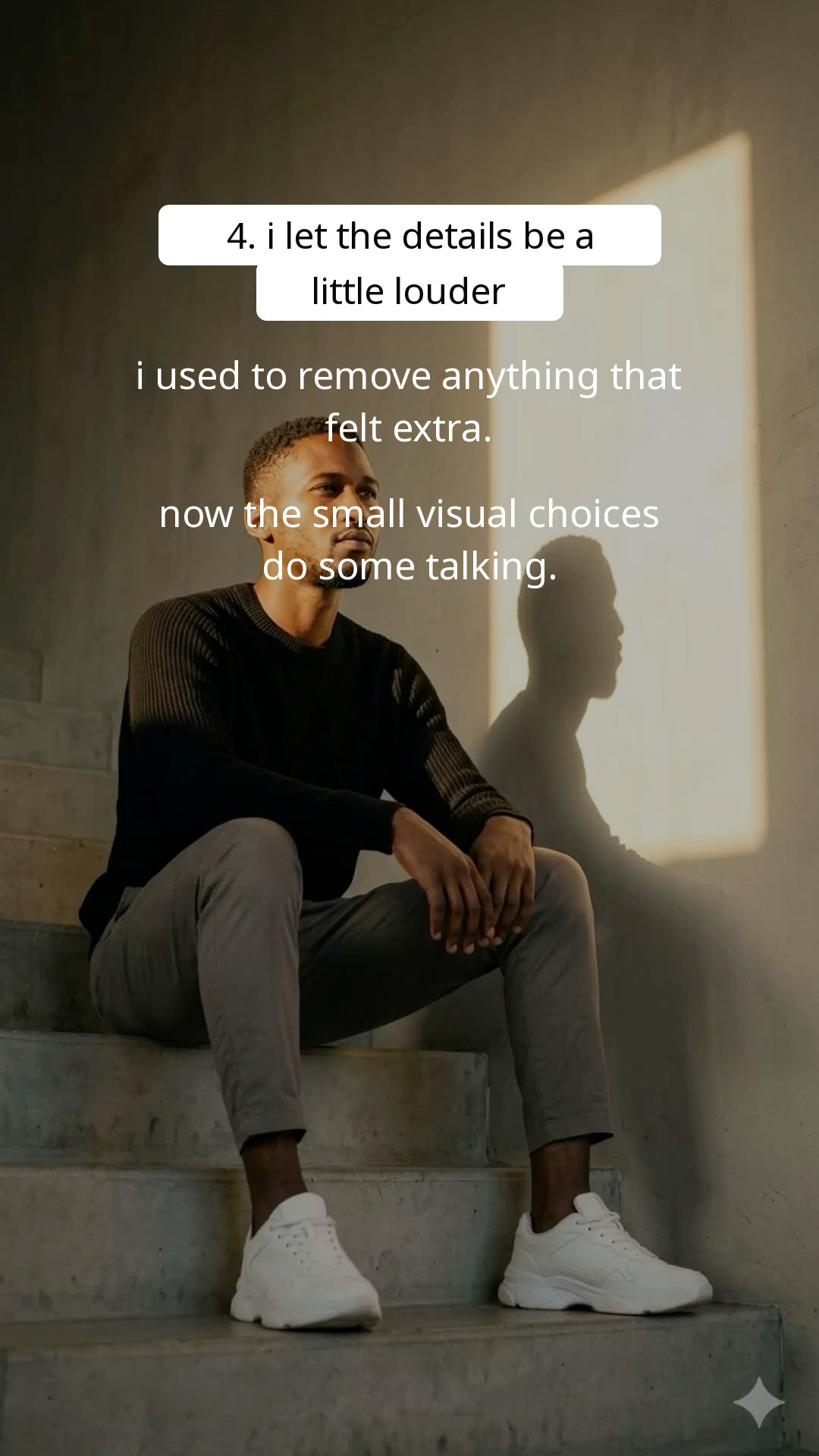
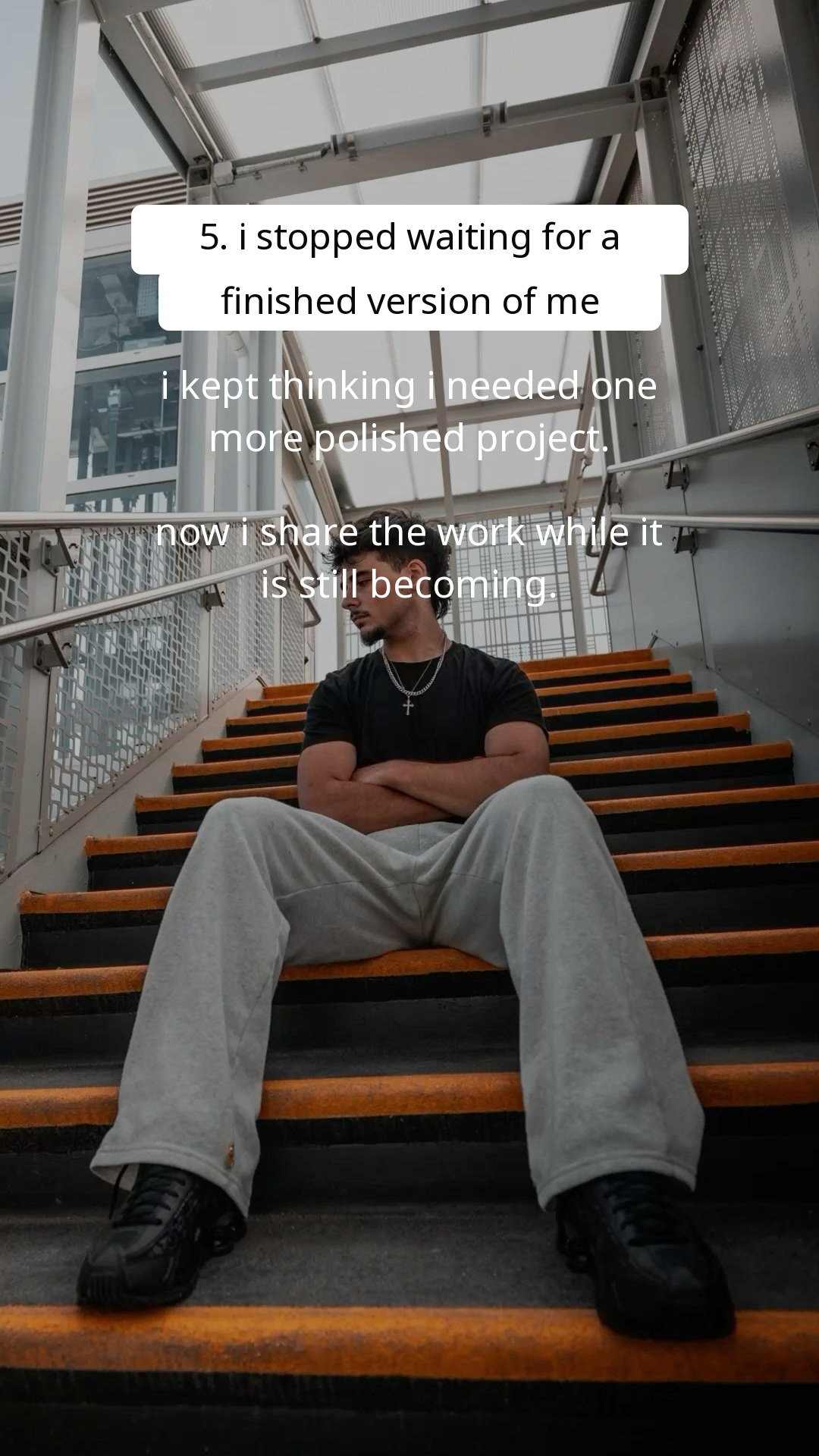

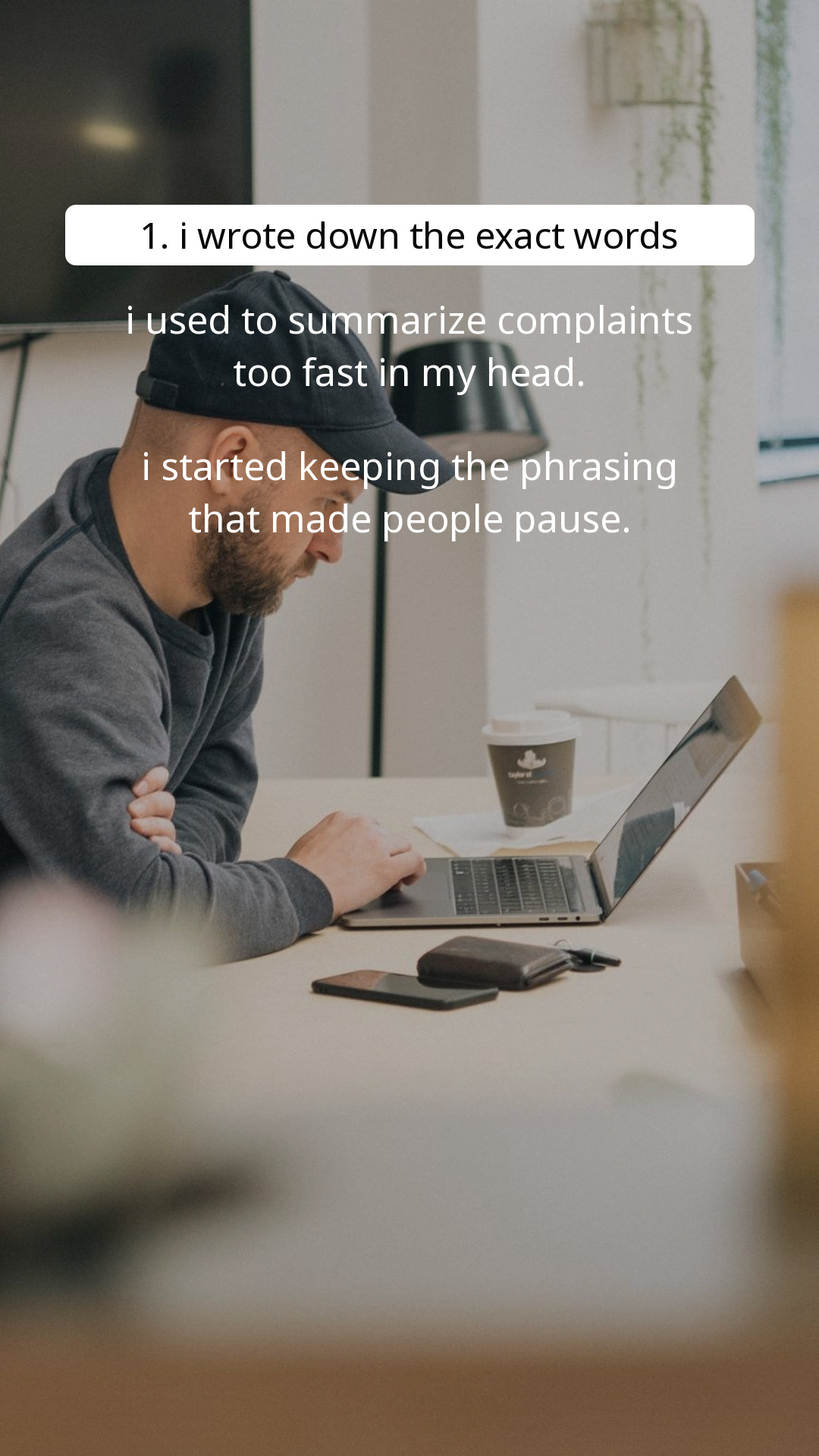
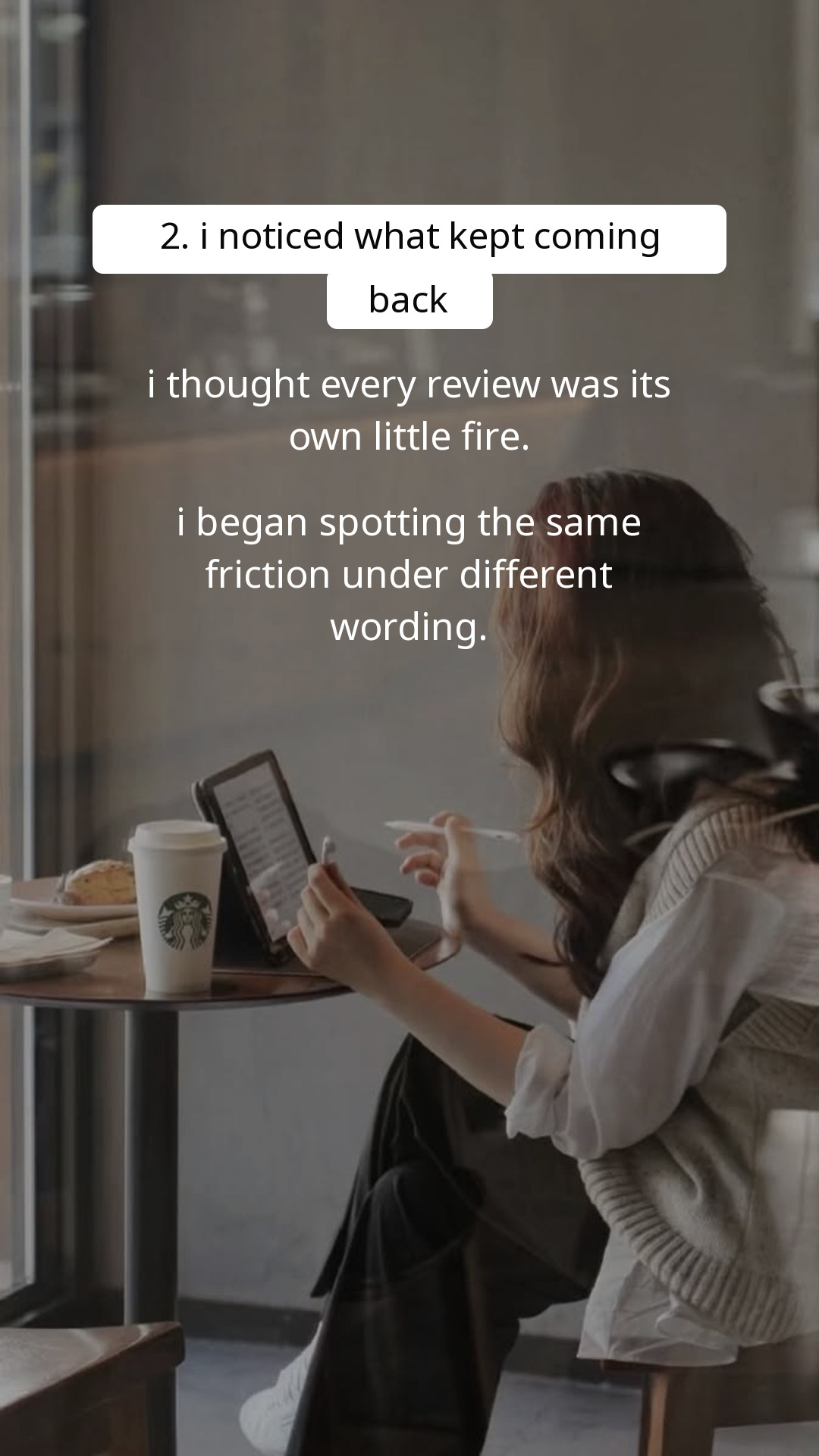





FAQ
Slizo analyzes your product website, creates complete TikTok slideshows with captions and hashtags, and can keep generating and publishing fresh posts on your schedule.
Paste a public product URL. Slizo uses it to understand your audience, benefits, language, and visual direction, then creates your first three slideshow examples.
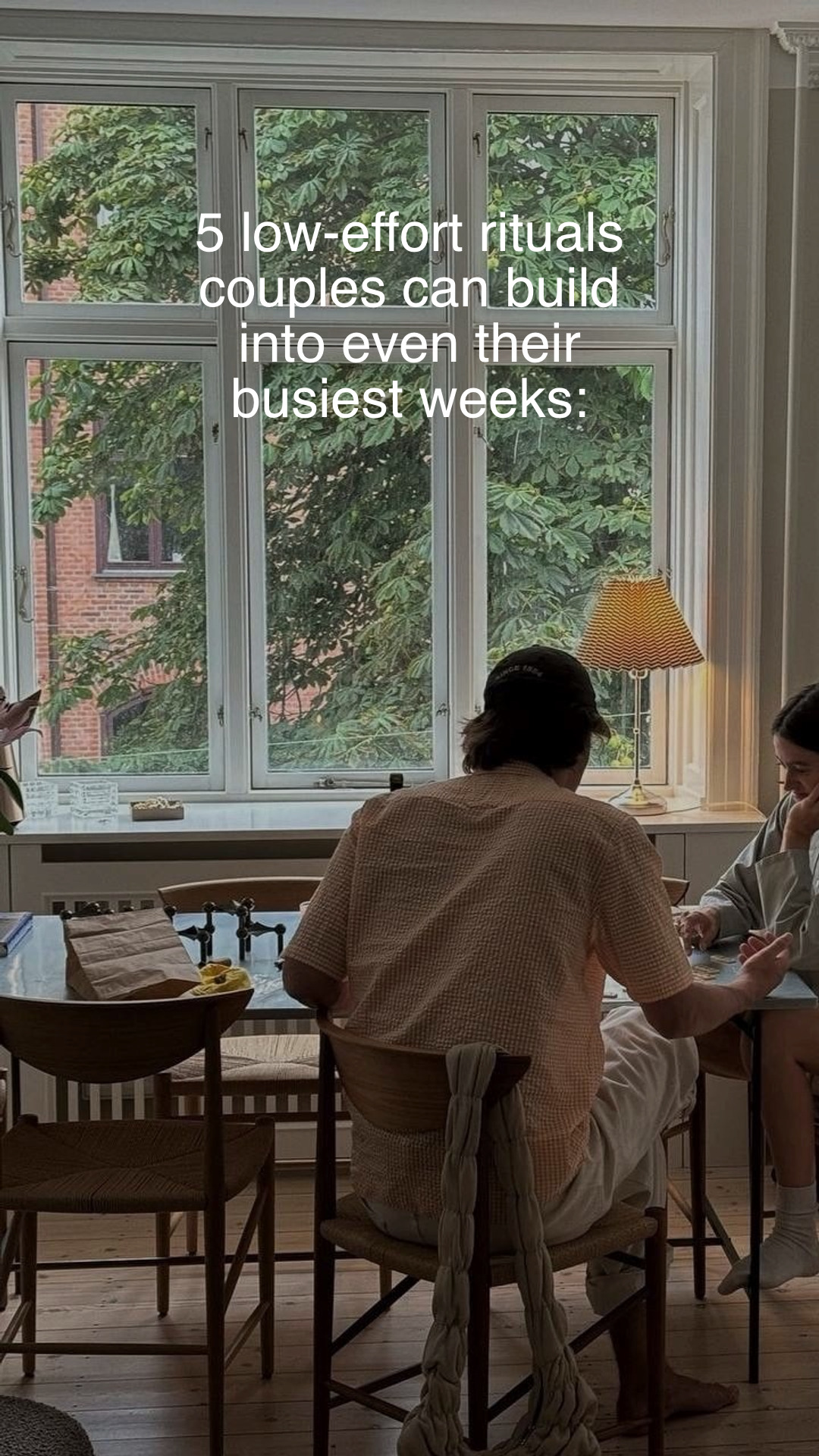
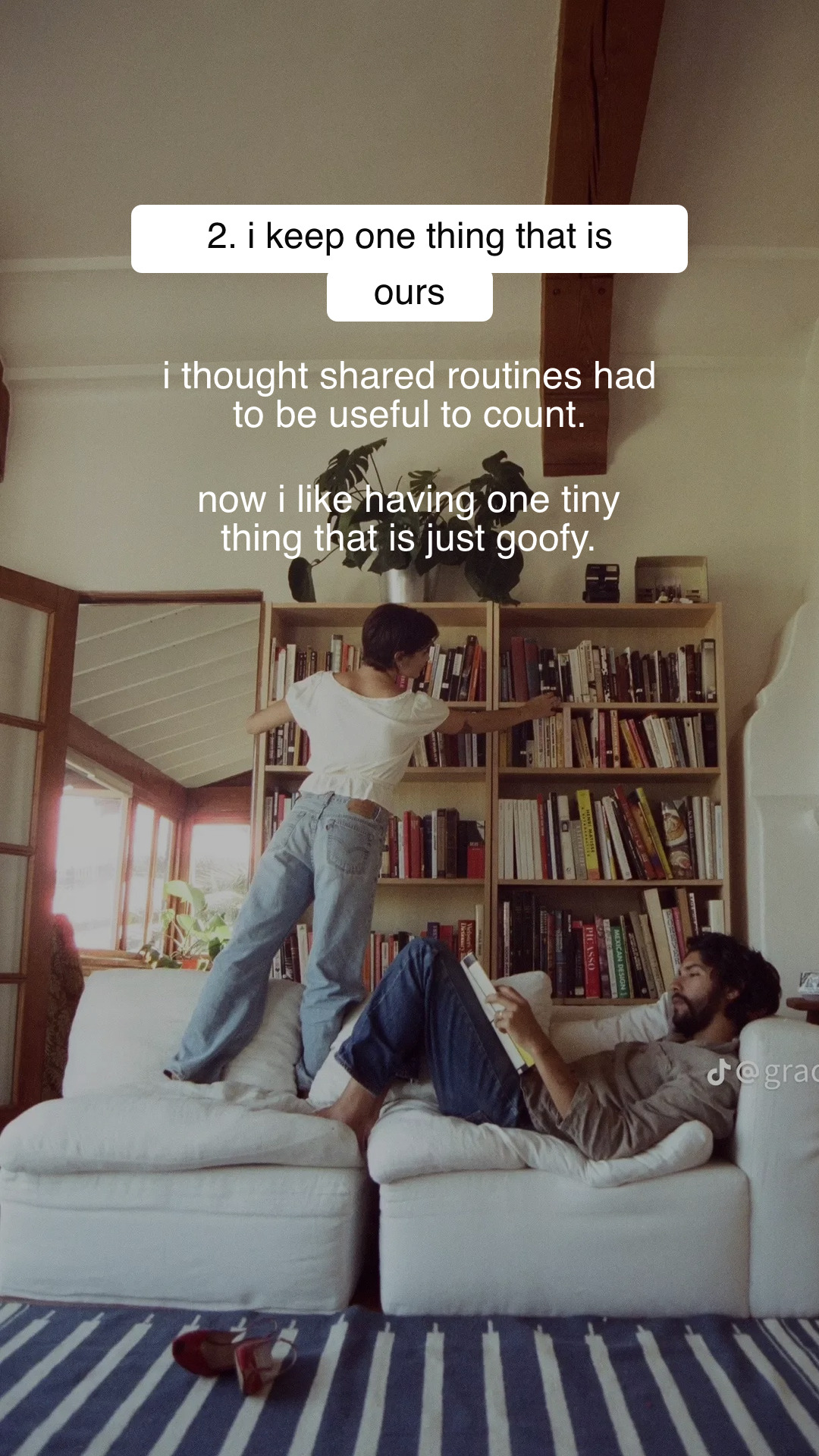
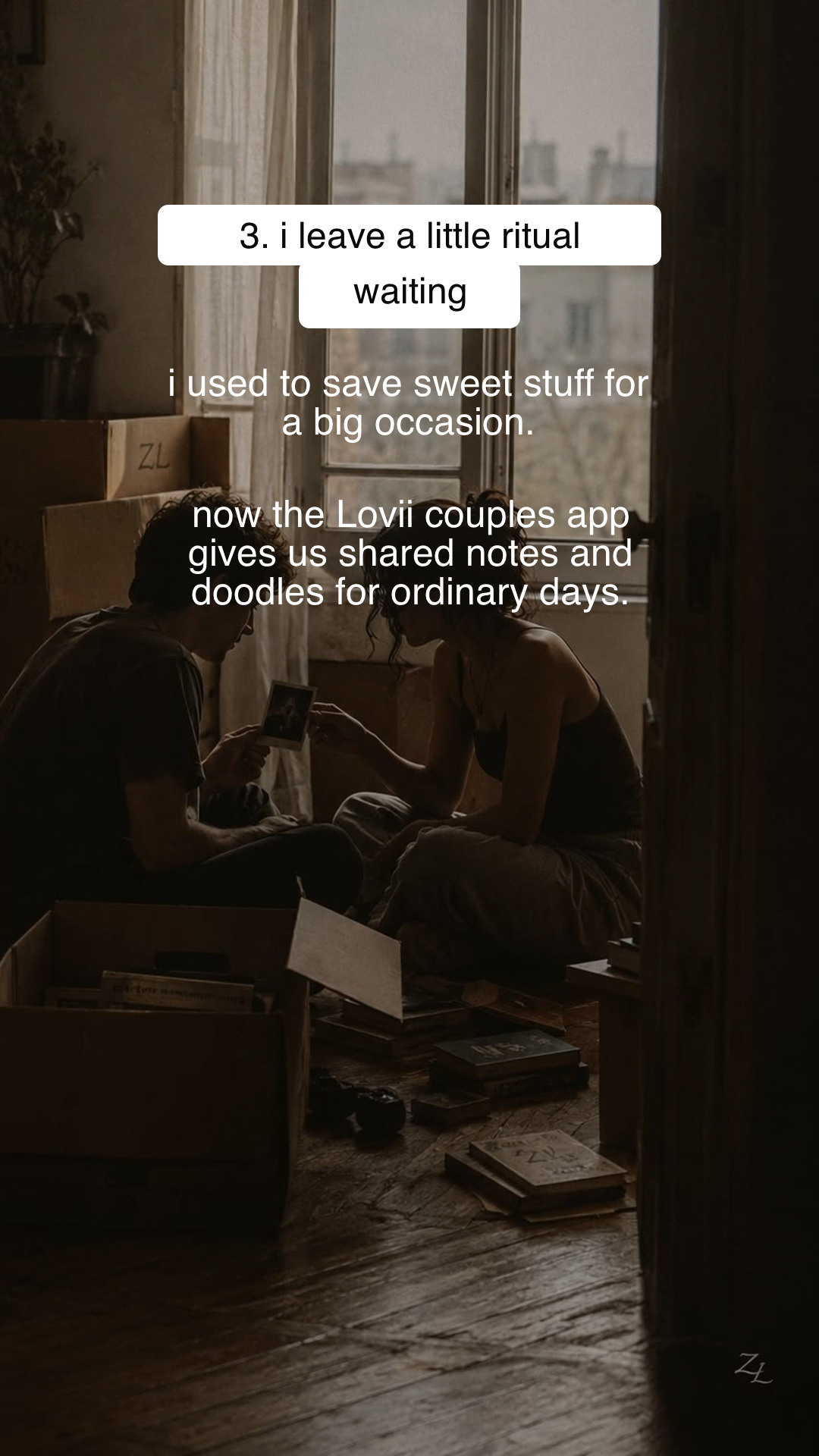
They are designed to feel native to TikTok: each slideshow leads with a useful or relatable hook and introduces your product naturally instead of opening with a hard sell.
Yes. During automation setup, Slizo first shows you a bank of first-slide hook ideas. You can ask AI to revise the direction before connecting TikTok or choosing a schedule. Images and finished slideshows are created only after activation.
Yes. Connect your TikTok account, choose the publishing days, time, privacy, and music settings, and Slizo can create and post fresh slideshows automatically until you pause it.
No tool can guarantee performance. Slizo helps you test more high-quality creative and post consistently, giving your app more chances to reach the right viewers and turn attention into visits or conversions.
Yes. Your first three complete slideshows are free, so you can see how Slizo interprets your product before starting an automated plan.
Yearly plans are paid once per year at a discounted price, while your slideshow allowance still resets every month. Starter is $168 per year ($14 per month) and Growth is $432 per year ($36 per month).
Create your first 3 slideshows free—no card required. Upgrade when you’re ready to create and publish more.
For founders ready to post consistently.
For SaaS teams promoting at higher volume.

App developer and the indie hacker behind Slizo
I'm an app developer, and I've shipped multiple apps across fitness, relationships, and health.
Building them was the part I loved. Promoting them was where I struggled. Coming up with hooks, designing slides, and posting consistently took hours away from improving my apps.
I tried other tools, but most of them only scheduled content. I still had to create every post myself.
I wanted something simpler: paste in my app's URL, let AI understand the product, and get ready-to-post TikTok slideshows made to attract the right users.
So I built Slizo. It creates the content and publishes it automatically, helping app developers stay visible without turning marketing into a second full-time job.
If you're building an app too, your first three slideshows are free.

Create, schedule, and publish TikTok slideshows from one simple workflow.
Create free slideshows